01
No bank link
No bank credentials, no aggregator. You enter income, bills and spending, or import a statement you pick yourself.
No bank link · private · no ads
Pocklune shows you every day how much you really have left to spend this month, and why. No bank connection, no ads.
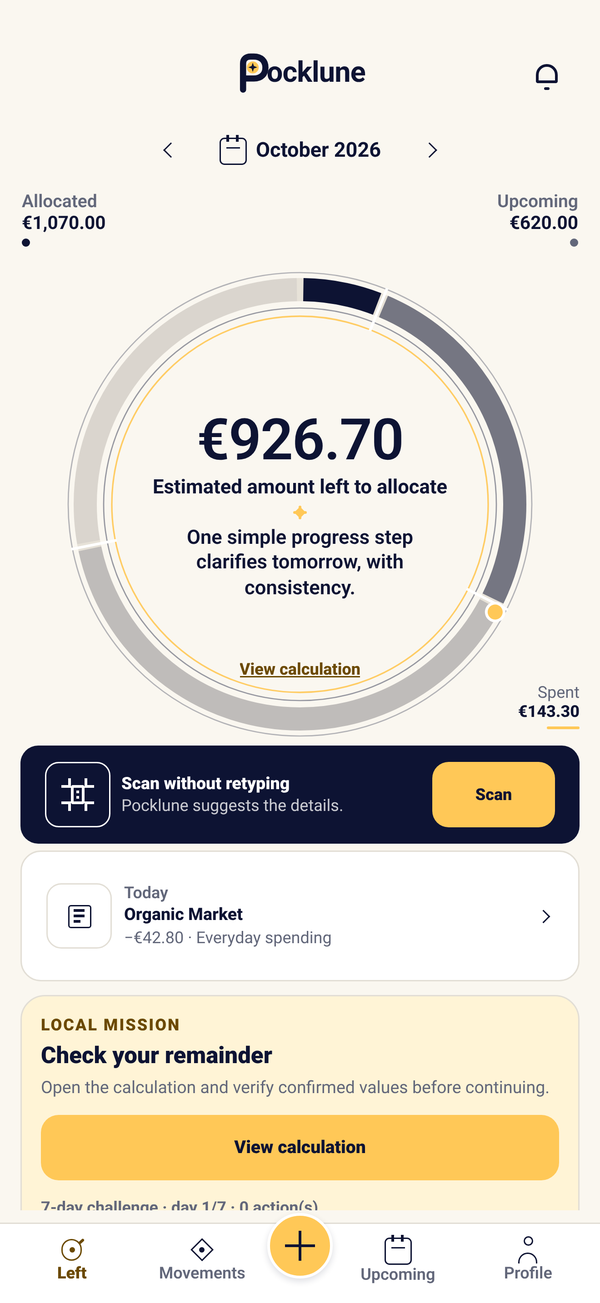
Why Pocklune
Two minutes to enter the essentials. Then one useful number: what you have left.
01
No bank credentials, no aggregator. You enter income, bills and spending, or import a statement you pick yourself.
02
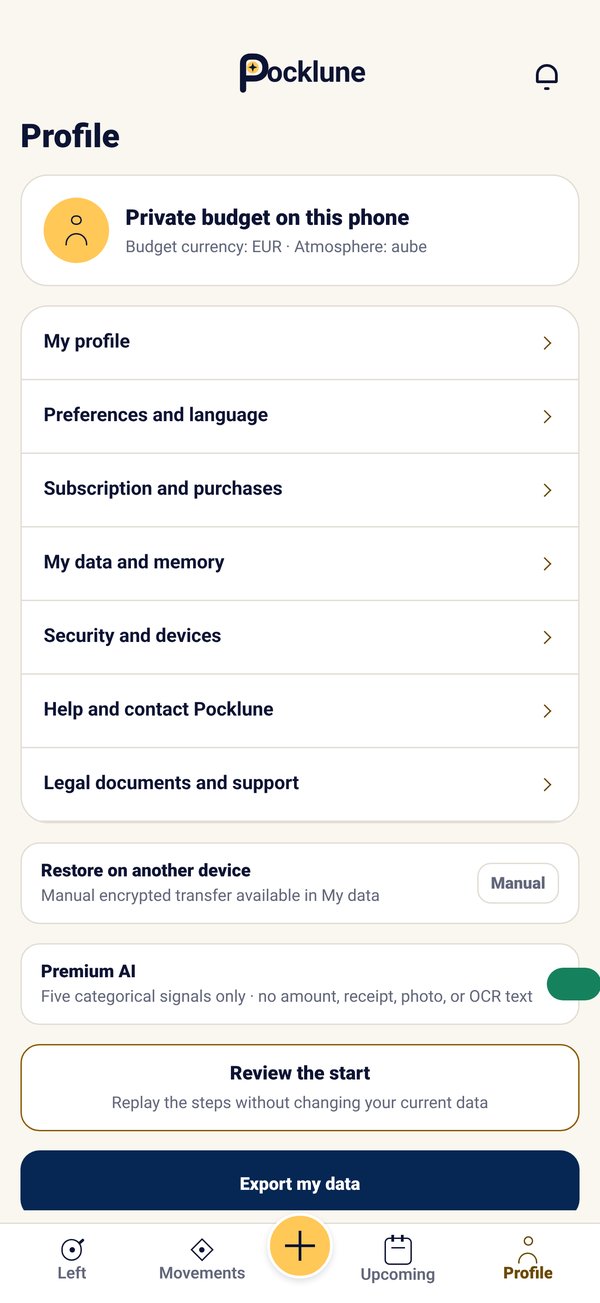
Your amounts, receipts and photos stay on your phone. On iPhone (1.0.190 and later), an account is optional and the budget stays on-device; on Android (current version), a Google account is required at launch. No bank connection.
03
No ads and no ad trackers in the app. Your data is never sold.
The real app
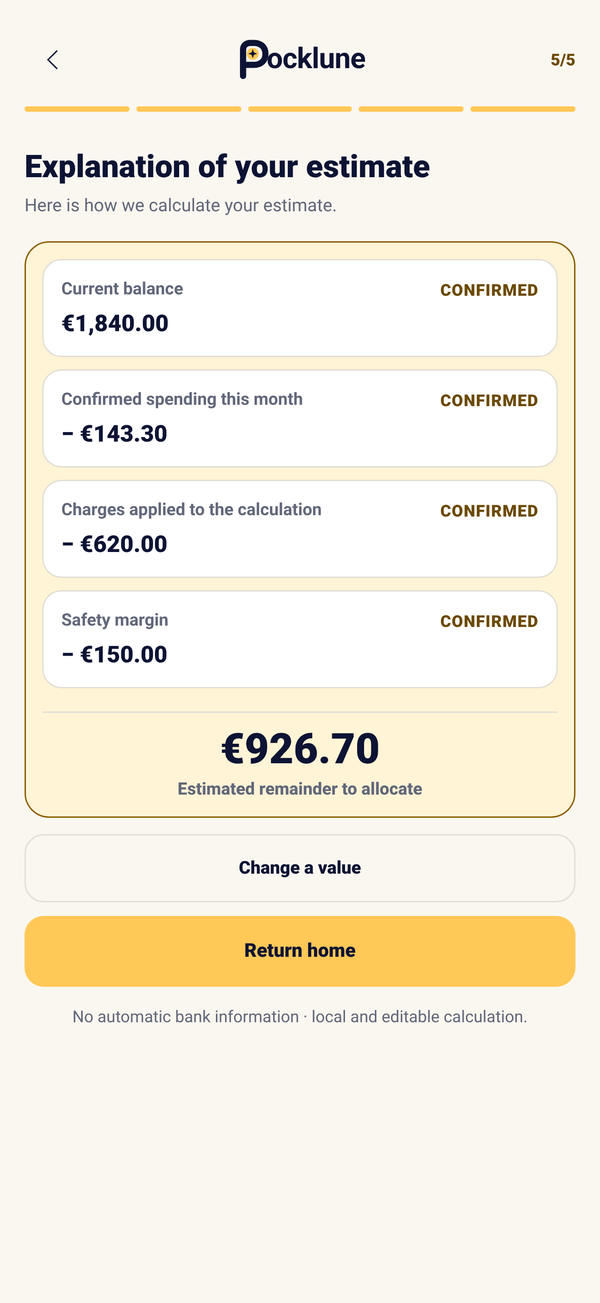
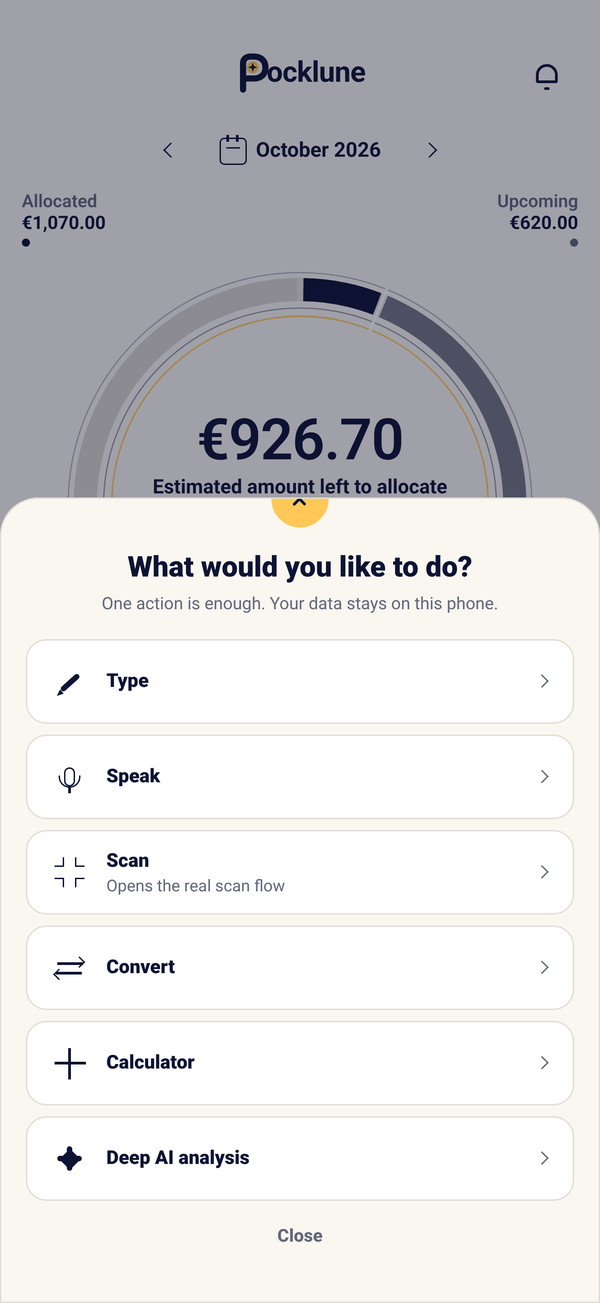
Tap any amount to see where it comes from. Nothing enters your budget without your confirmation.
Simple pricing
The price is shown on the App Store or Google Play before any payment.
To get started
Monthly budget, what’s left, categories, daily mission, manual import and export.
Subscription
Receipt and document scanning, processed on your phone. 2-week free trial for new subscribers on the App Store (iPhone).
Subscription
Everything in Plus, plus explanations of your budget based on categories only, never your amounts or receipts.
Auto-renewing subscriptions, cancel anytime from your Apple or Google Play account. Learn more
Install it for free and see what you have left tonight.
FAQ
Yes. In Pocklune you enter your income, bills and spending, or import a statement you choose. The app never asks for your bank login and uses no aggregator.
No third-party service gets access to your accounts, you stay in control of what goes into your budget, and nothing is added without your confirmation.
Your amounts, receipts and photos stay on your phone. On iPhone (1.0.190 and later), an account is optional and the budget stays on your phone; on Android (current version), a Google account is required at launch. No bank connection.
The core budget is free. Plus and Premium are optional. The price is shown on the App Store or Google Play before any payment.
No. There are no ads and no ad trackers in the app, and your data is never sold.
It starts from your monthly income, subtracts your bills and the spending you've entered, and shows what's left to spend. Tap any amount to see where it comes from.
iPhone (App Store) and Android (Google Play).
Yes. Subscriptions renew automatically and can be cancelled anytime from your Apple or Google Play account.